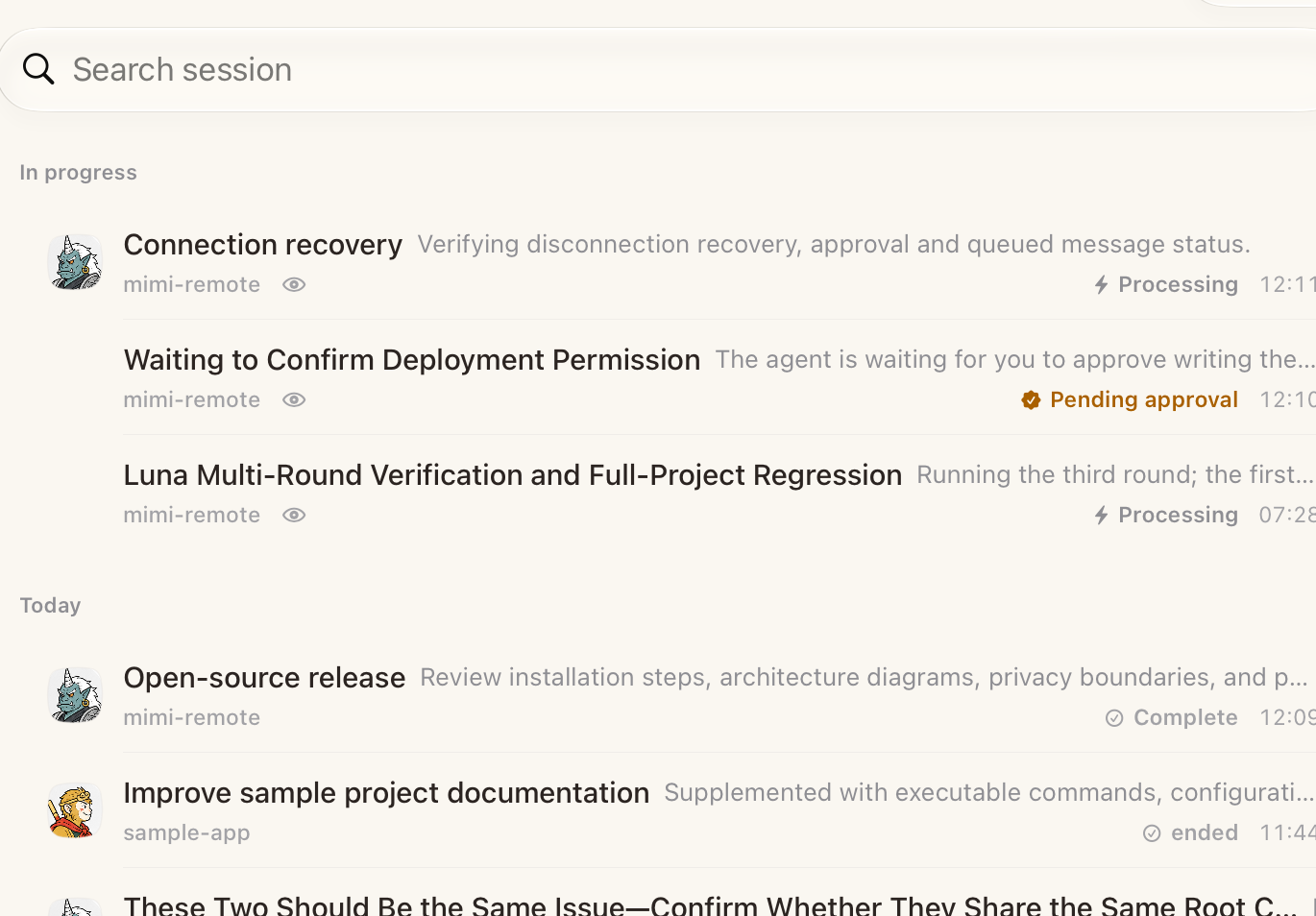
Sessions
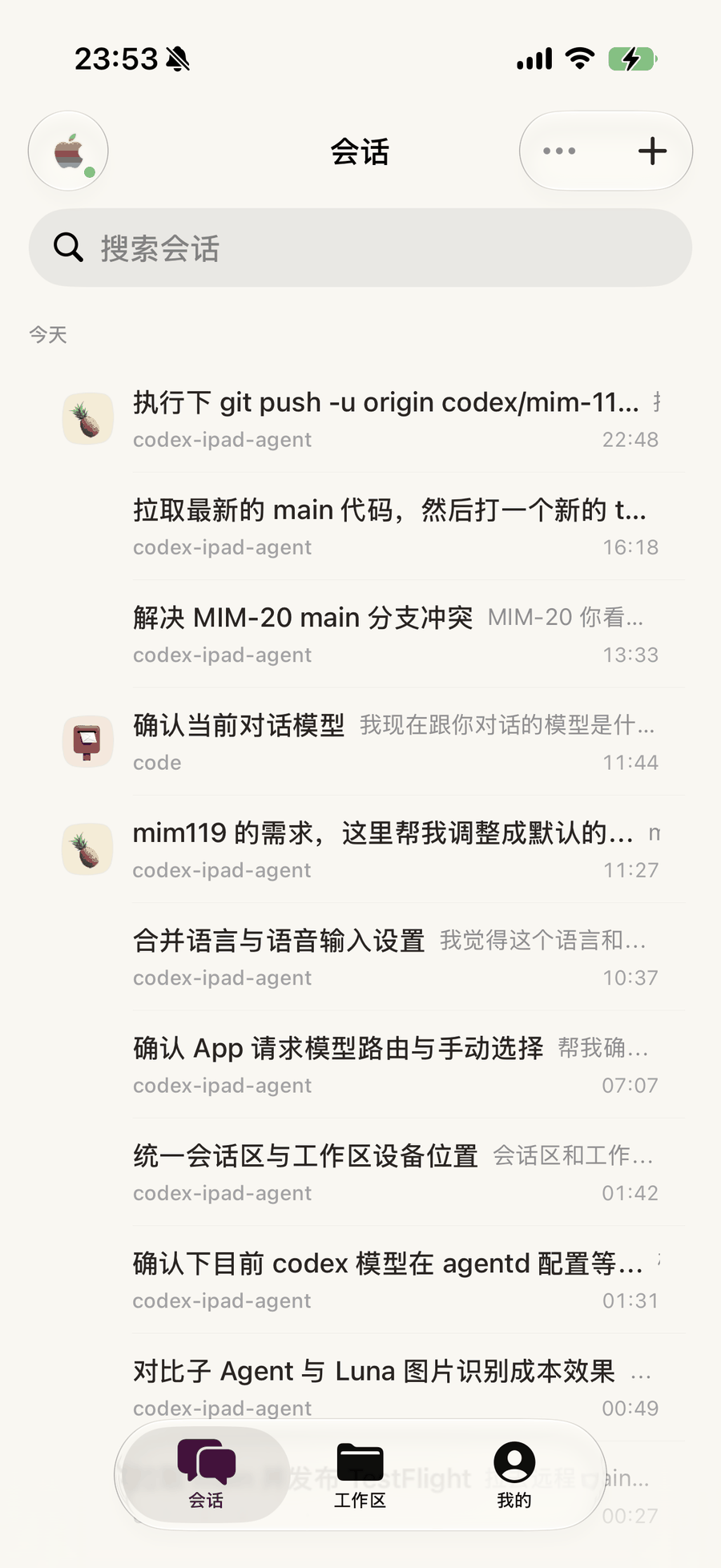
Every conversation across every project, grouped by when it happened and searchable in one field. Work still running is marked as running.
Coding agents, on the go
A native iPhone and iPad client for Codex and Claude Code. Your Mac or Windows PC keeps running the work — Tailscale keeps the link private and fast. Android is coming soon.
01 Remote
Mimi Remote rides your own Tailscale network — a WireGuard tunnel from the device in your hand straight to the Mac or Windows PC doing the work. No relay in the middle, no port forwarding, nothing published to the open internet.
Peer-to-peer WireGuard between your own devices. Keys never leave them, and no third party sits in the path.
Drop the signal and nothing is lost. Unsent instructions wait in a queue on the device and go out the moment the link returns.
Café Wi-Fi, cellular, a locked-down office network — if both ends are on your tailnet, the session is right there.
02 iPhone & iPad
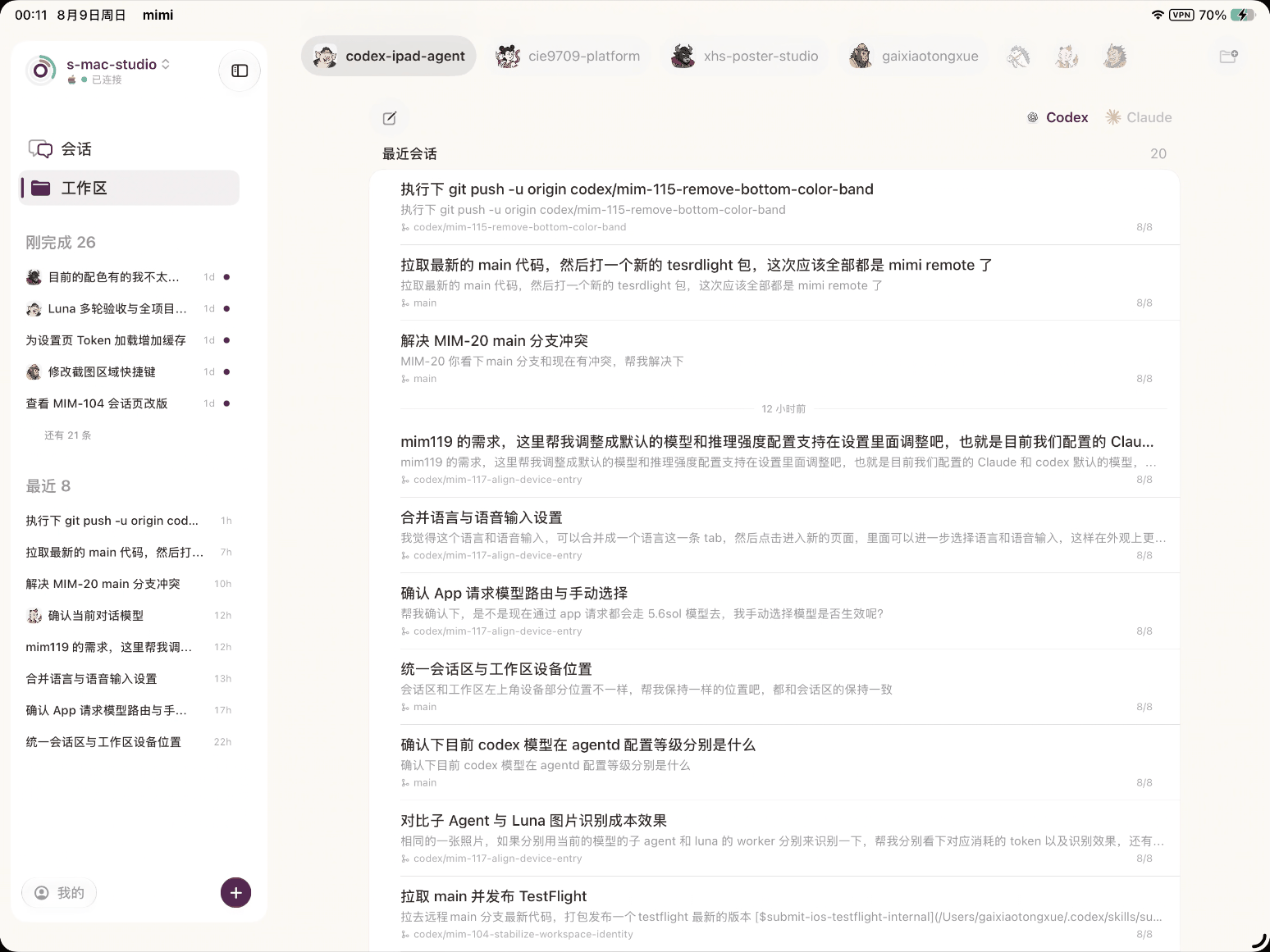
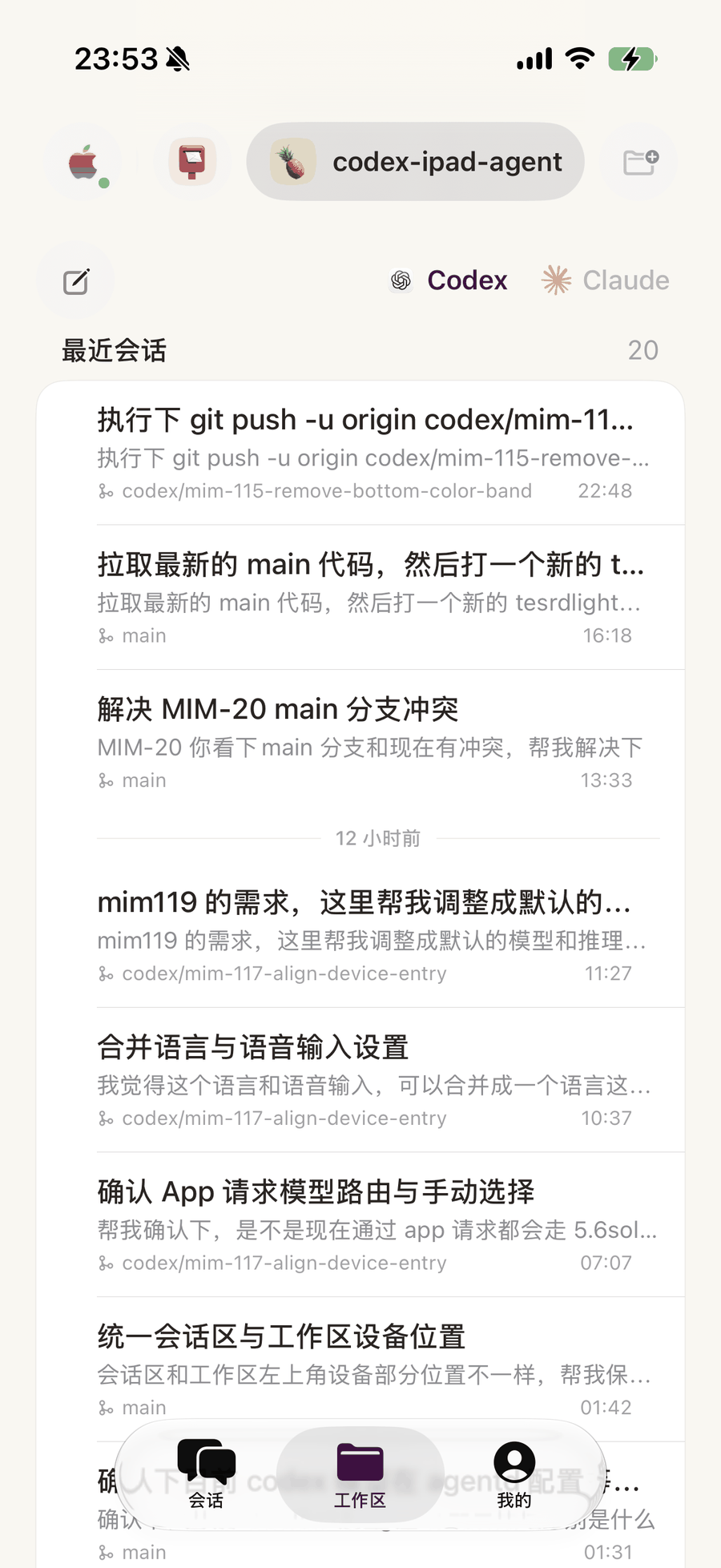
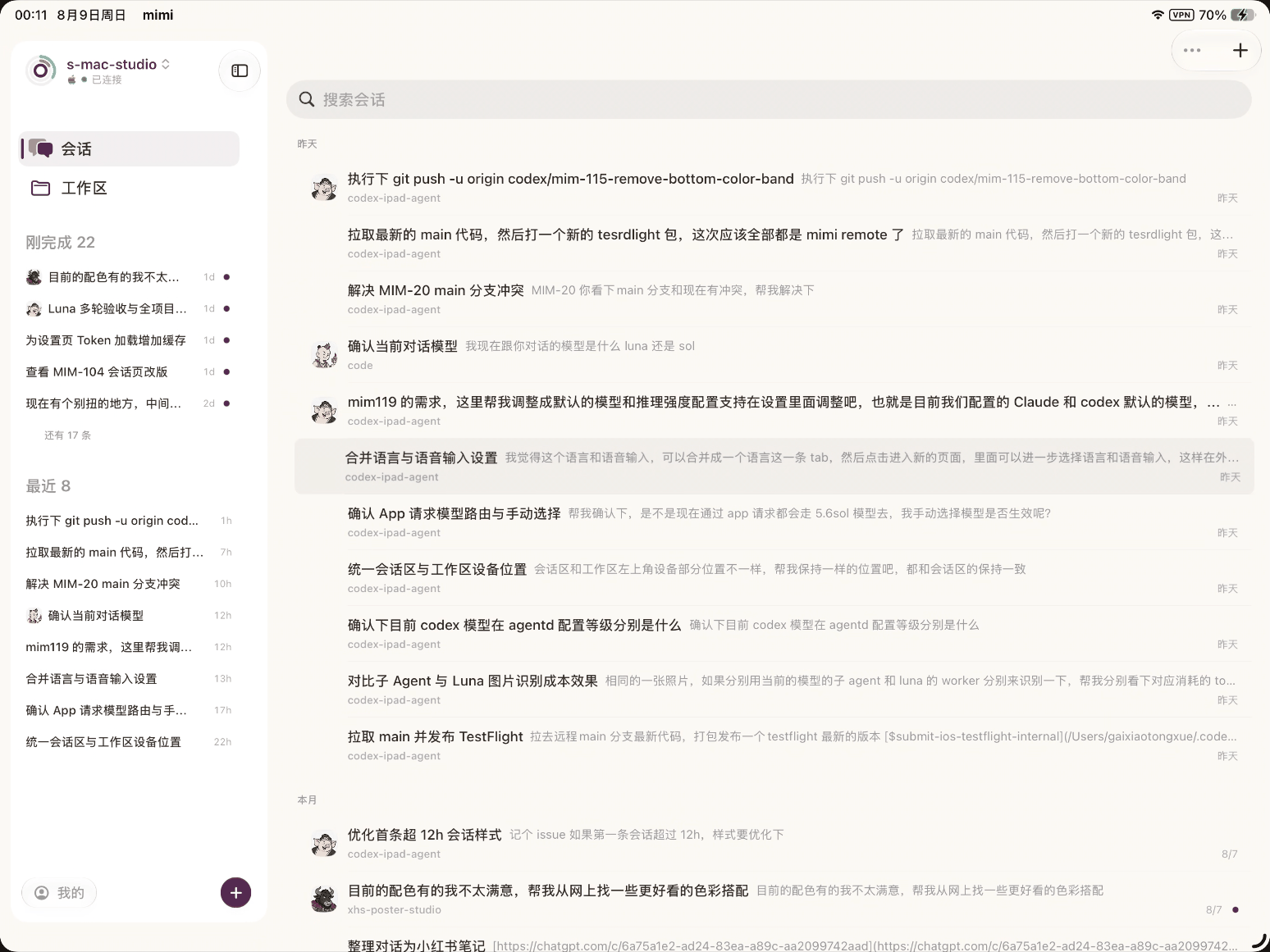
Not one interface stretched to fit. The iPad gets a standing sidebar with in-progress work and recent history in view; the iPhone gets a single column and a tab bar your thumb can reach.
03 Runtimes
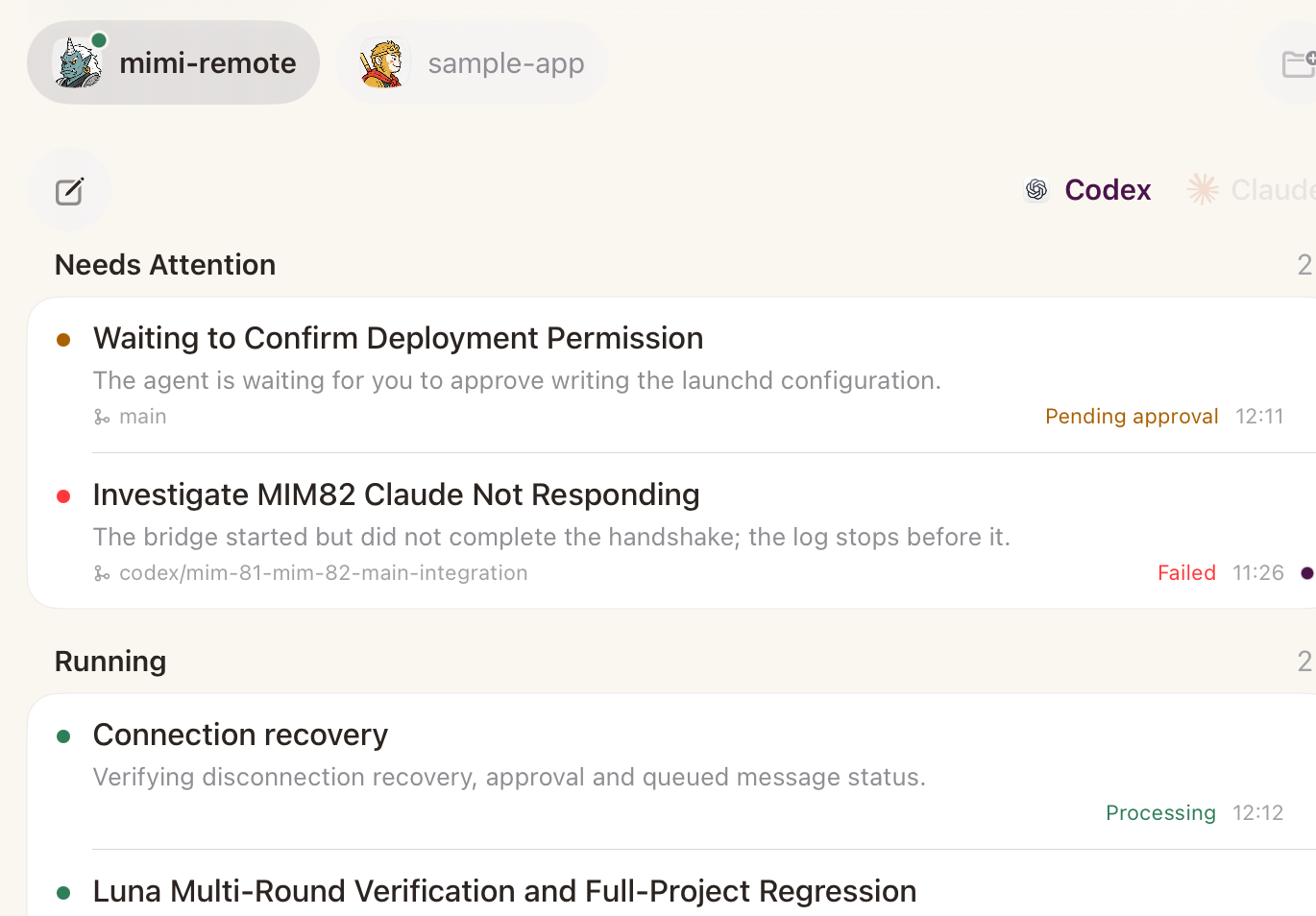
Both runtimes are first-class. Pick one when you start a session, and switch which you are looking at without leaving the screen.
Every conversation across every project, grouped by when it happened and searchable in one field. Work still running is marked as running.
Each repository is a tab of its own, carrying its recent conversations and the branch each one ran on. Starting a new session there takes one tap.
04 Personal
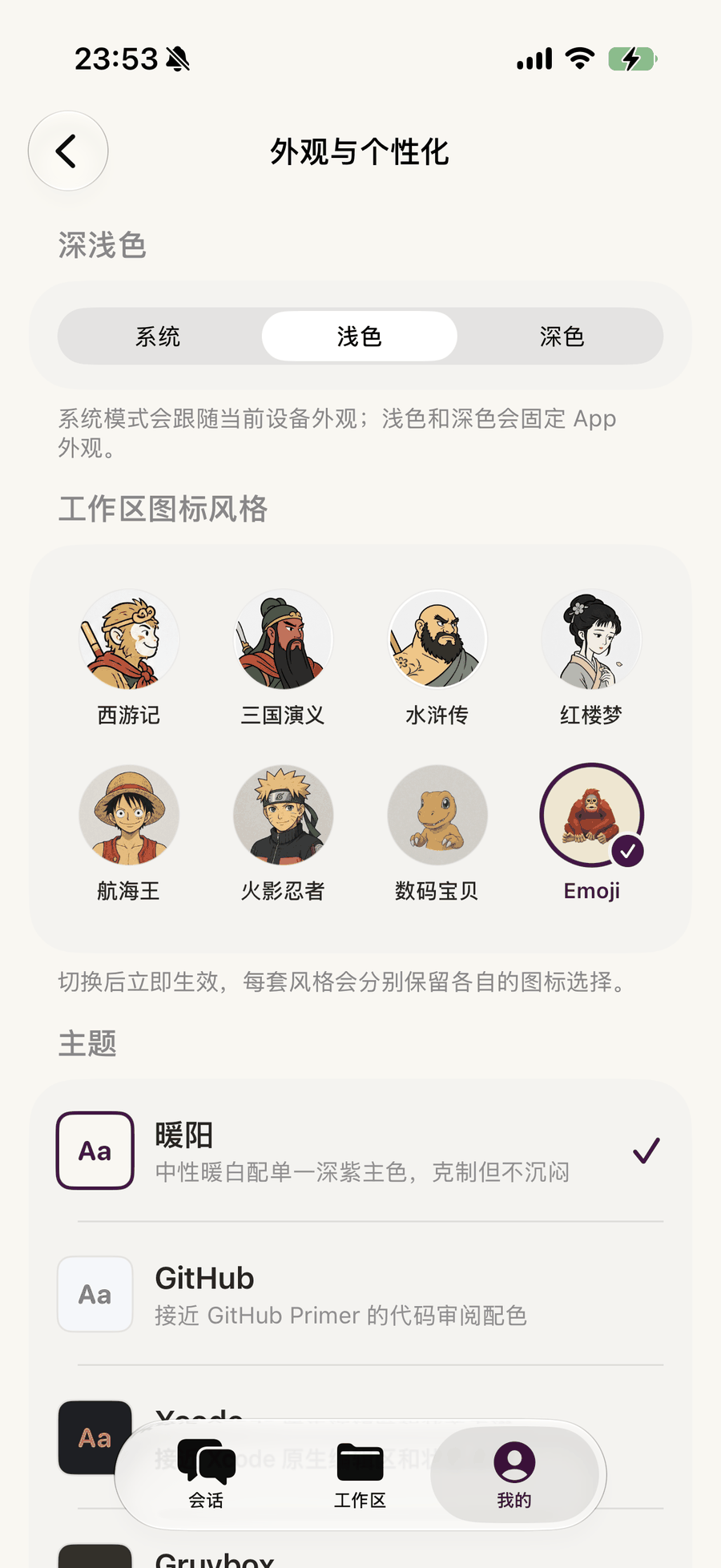
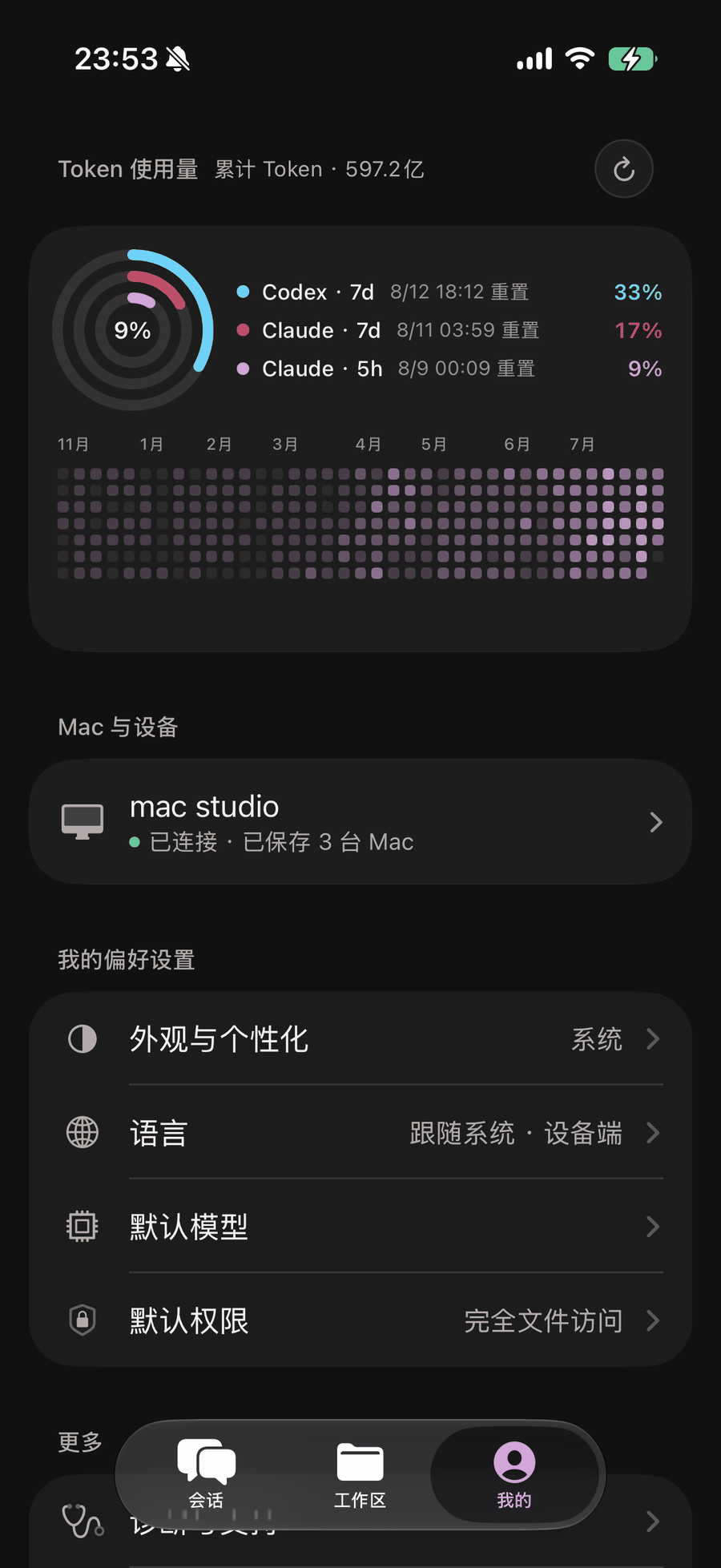
Eight icon sets give every workspace a face you recognise at a glance. Themes reset the whole palette. Light and dark both got the same attention — follow the system, or pin the one you like.
This page follows the same rule.